
Control your Light Bar from your phone
Download Smart Life, pair your device in seconds, and fine-tune every detail of your lighting.


How to pair your Light Bar
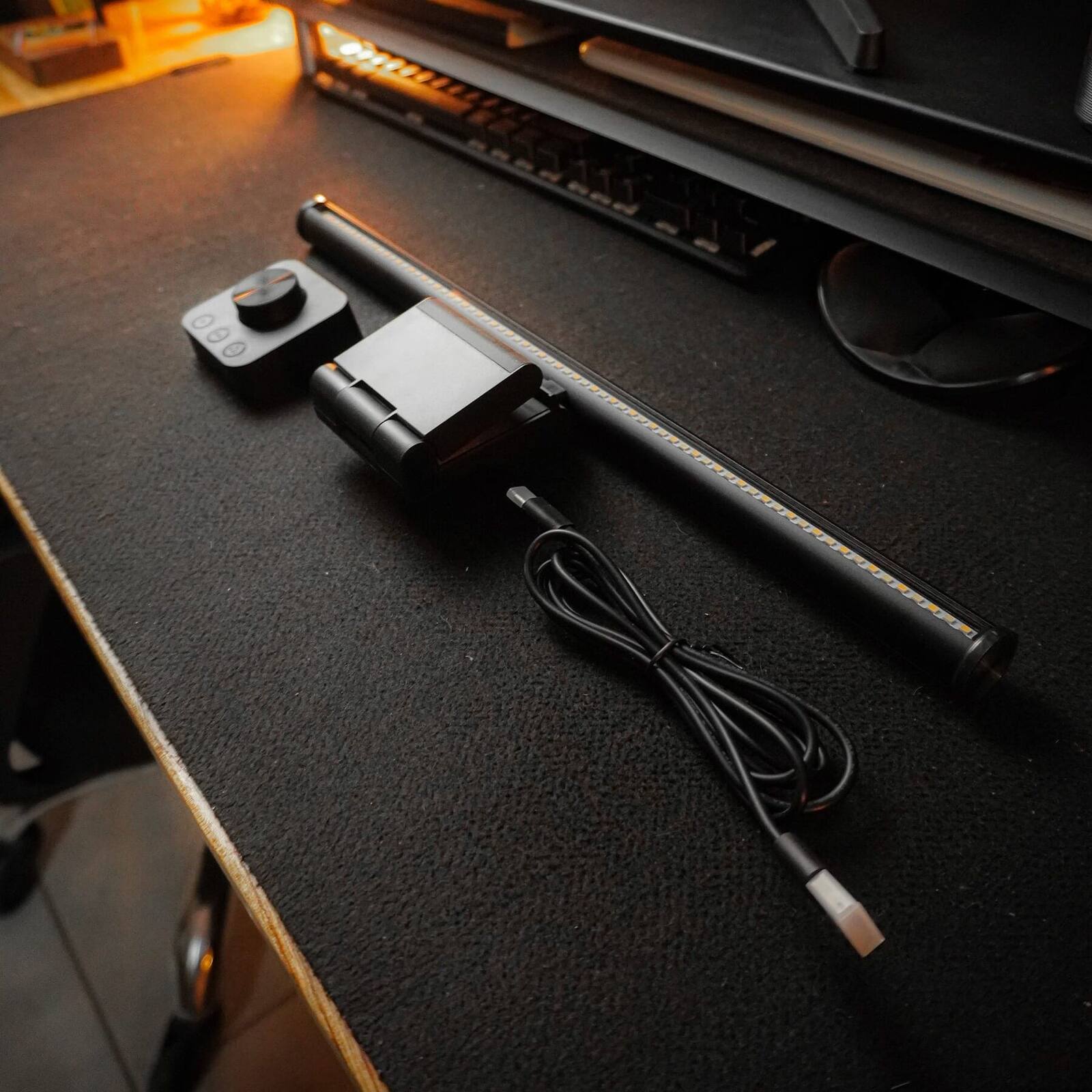
-
1
Download Smart Life
Install the free Smart Life app from the App Store or Google Play. Create an account, or log in if you already have one.
-
2
Plug in your Light Bar
Mount the Light Bar on top of your monitor and plug the USB-C cable into the port on the back. Connect the other end to your computer or a power adapter, and wait for it to turn on.
-
3
Enter pairing mode
On the back of the Light Bar, next to the USB-C port, there's a small button.
Hold that button for 5 seconds until the light blinks quickly — that means pairing mode is active. -
4
Connect to WiFi
In the app, enter your WiFi details. Make sure you're on a 2.4 GHz network.
-
5
Add the device in the app
In Smart Life, tap the + in the top right, then Add device. The app detects your Light Bar automatically — and you're in full control.
Works with Alexa & Google Home
Control your lighting with your voice, or fold it into the smart-home routines that run your workspace.


Still have questions?
Reach out and we'll help with whatever you need.
Contact us